If you’ve ever stood at a wedding or a corporate booth watching people line up for something, you already know the difference between an activation that gets attention and one that gets ignored. A phone case customization corner, done right, sits firmly in the first category, and with the iPhone 17 now one of the most common phones in people’s hands across the UAE, it’s become one of the easier “wow” additions to plan for an event.
But there’s a gap between “let’s add a case corner” and actually running one that works smoothly for three hours straight without a queue backing up or half the guests being turned away because the setup only supports one phone model. This is the planning guide we wish more people had before their first event.
Start With the Guest List, Not the Setup
The biggest planning mistake is designing the corner first and figuring out the crowd later. Before anything else, get a rough sense of:
1.> How many guests are expected, and over what window of time
2.> Whether it’s a steady flow (a wedding reception, spread across hours) or a rush (a product launch, where most people arrive within 20 minutes)
3.> What phones people are likely carrying at a corporate tech event skew heavier iPhones; a general consumer event is a genuine 50/50 mix with Samsung
For an iPhone 17 phone case corner specifically, it’s worth remembering the lineup itself has multiple sizes: the standard 17, the Plus, and the Pro and Pro Max, and each takes a slightly different case. If your event has a younger, tech-forward crowd, expect more Pro Max requests than you’d guess.
Get the Physical Setup Right
A customization corner is only as good as its footprint. A few things that make or break the on-ground experience:
Space. You need enough room for the printing unit or station, a small queue, and ideally a spot where someone can wait a couple of minutes without blocking foot traffic. At a mall activation or trade show booth, this usually means claiming more floor space than people initially budget for.
Power. Printing stations need a stable power source, and venues don’t always have outlets exactly where you want to set up. Confirm this with the venue days in advance, not on the morning of.
Lighting and visibility. If the corner is tucked in a corner of the venue (no pun intended), footfall drops. Position it somewhere people naturally walk past near the entrance, the gift table, or the main mingling area.
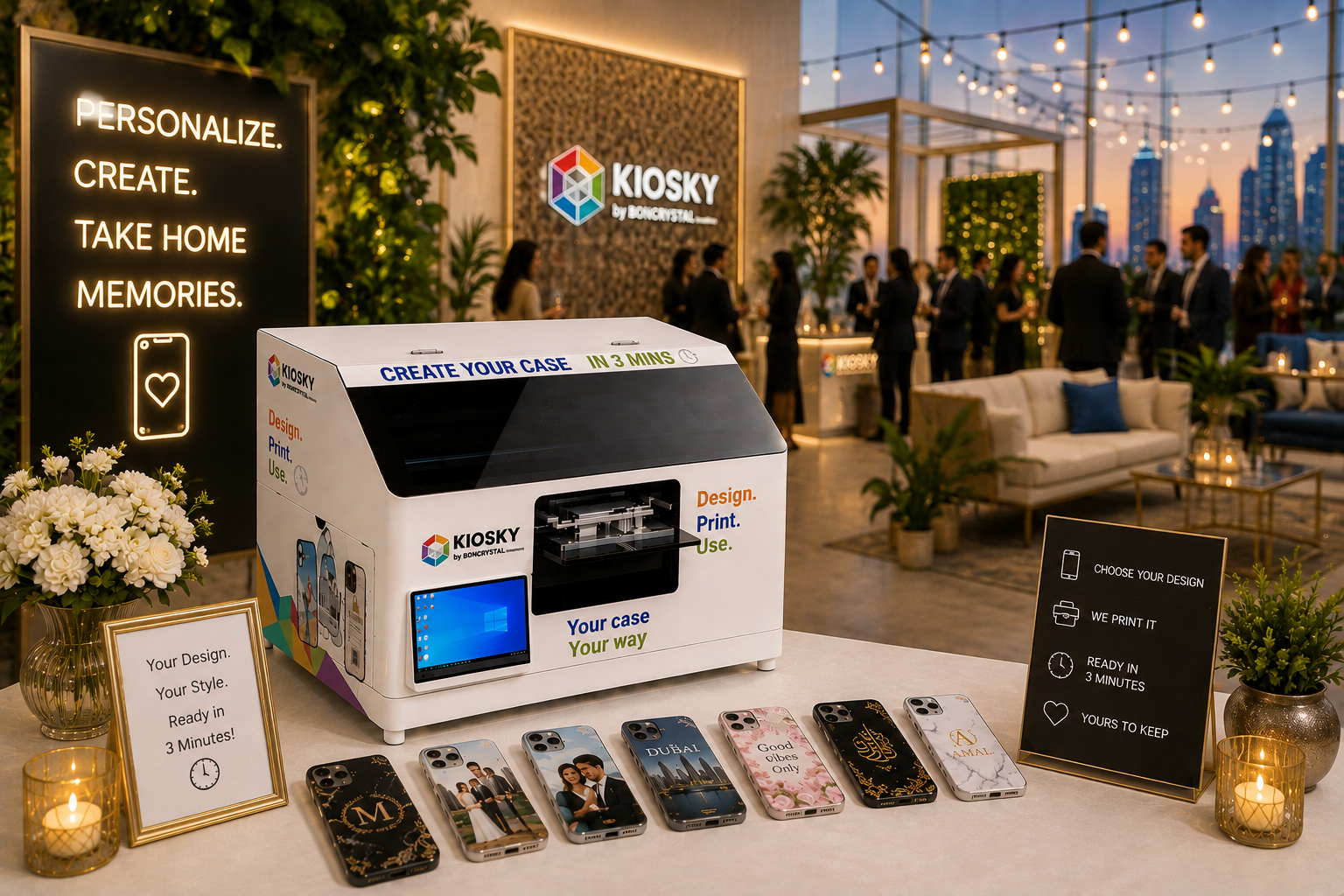
Signage. A simple sign that says what’s happening and roughly how long it takes solves half the “what is this?” hesitation guests have. “Design your own phone case ready in 3 minutes” does more work than people expect.
However, with Kiosky, you can set this up without much trouble. You just have to contact our team, and it will be done without any hassle.
Decide the Design Options in Advance
This is where a lot of first-time planners overcomplicate things. You don’t need fifty templates for a personalized phone cover. You need a short menu that covers most requests without overwhelming the guest:
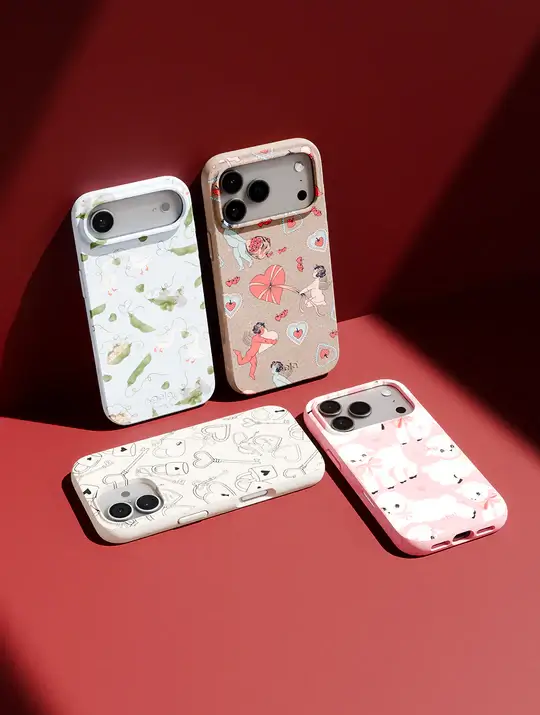
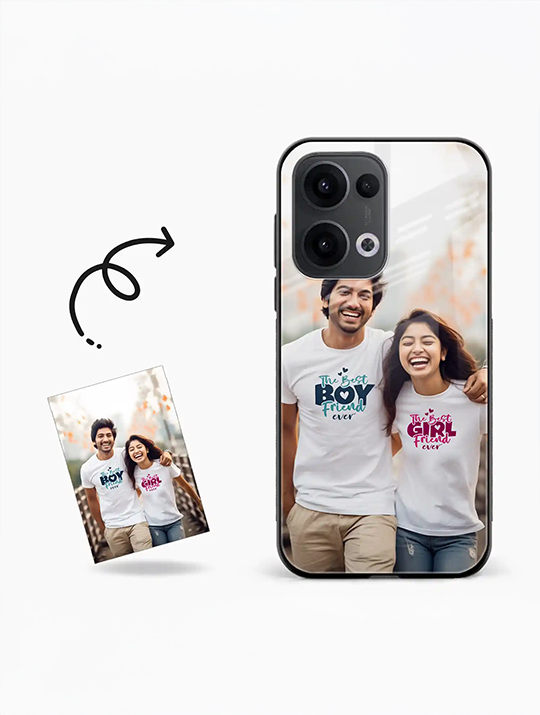
1.> A photo-upload option (by far the most requested, especially at weddings and birthdays)
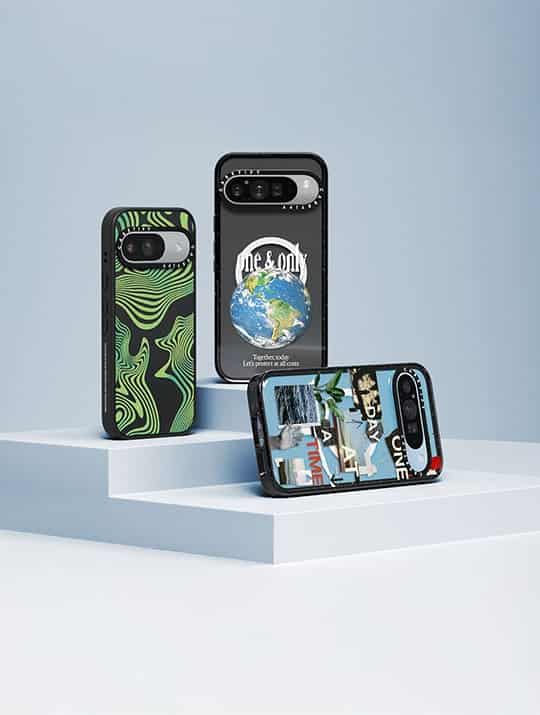
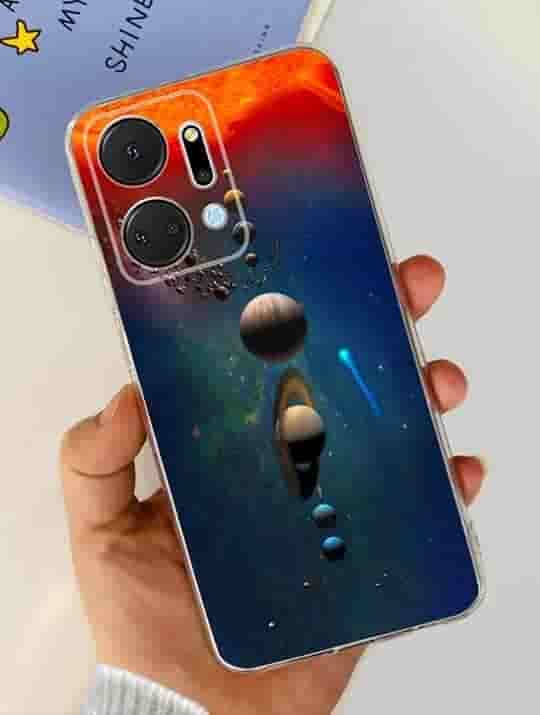
2.> Two or three pre-made templates matching the event’s theme or brand
3.> A simple text/name option for guests who don’t have a photo ready on their phone
If it’s a corporate activation, add the company logo as a locked element so every case stays on-brand while guests still get to personalize the rest.
Staff It Properly
One person running both the design station and the printing can work for a slow trickle of guests, but for anything with real footfall, a wedding reception, or a mall weekend activation, you want at least two people: one guiding guests through picking their design and one managing the printing queue. This alone is the difference between a 3-minute wait and a 15-minute one, and long waits are what kill the energy of an otherwise good idea.
Plan for the iPhone specifically
Because the corner is being framed around the iPhone lineup, a few model-specific things are worth locking down before the event:
1.> Confirm your inventory covers the standard, Plus, Pro, and Pro Max cutouts. Camera placement differs enough between them that a mismatched case looks obviously wrong
2.> Have a couple of finish options ready (clear, matte, and at least one bold color) since preferences split fairly evenly
3.> If MagSafe compatibility matters to your crowd, and increasingly it does, make sure it’s part of the stock, not an afterthought
Timing It Around the Event
The corner works best when it has a clear window rather than running the entire event. For weddings, right after the reception starts and guests are mingling, it tends to outperform trying to catch people on their way out. For corporate events, right when the main rush of visitors hits a booth is your best window; that’s when a live activation draws the most curious foot traffic.
Budget Realistically
A few line items people forget to plan for:
1.> Enough phone case stock across sizes, not just one “average” estimate
2.> A buffer for reprints, mistakes happen, guests change their mind, and having 10-15% extra stock avoids awkward “sorry, we’ve run out” moments
3.> Branding for the corner itself: if it’s a corporate event, a small backdrop or signage goes a long way for photos
A Quick Pre-Event Checklist
1.> Guest count and rough phone-model split confirmed
2.> Power and floor space confirmed with the venue
3.> Design menu finalized (photo upload + 2-3 templates)
4.> iPhone 17 lineup sizes stocked (standard, Plus, Pro, and Pro Max)
5.> Staffing confirmed (minimum two for anything beyond a small gathering)
6.> Signage ready
7.> Extra stock buffer
FAQs
1.> How long does it take to print a custom phone case at an event?
With a proper setup and enough staff, most cases are ready within two to three minutes per guest, which is quick enough to keep a steady line moving without long waits.
2.> Does the corner need to support all iPhone models?
Ideally yes. The standard, Plus, Pro, and Pro Max all have different camera cutouts, so stocking across the full lineup avoids turning guests away or giving them a case that doesn’t fit properly.
3.> Is a customization corner suitable for both weddings and corporate events?
Yes. The setup itself doesn’t change much; it’s the design options and branding that get adjusted, with monograms and much for weddings versus logos and brand colors for corporate activations.
4.> How much space does a phone case customization corner need?
Enough for the station itself, a small queue, and comfortable movement around it. Most venues underestimate this, so it’s worth confirming the footprint with the venue in advance rather than assuming a small table will do.
5.> Can guests personalize their case with their own photo?
Yes, a photo-upload option is usually the most popular choice at events, especially weddings and birthdays, and should be included alongside any pre-made templates.
6.> How many staff members are needed to run the corner smoothly?
For anything beyond a very small, slow-paced gathering, two people is the practical minimum one to help guests choose their design, and one to manage printing to avoid long queues during busier periods.